StackDecisions
Pricing rollout
Launch tradeoffs
Private notes for Mac
A quick thought becomes a note, a note becomes a project, and the work is tracked right beside the writing. Plain Markdown underneath. Nothing leaves your Mac unless you say so.
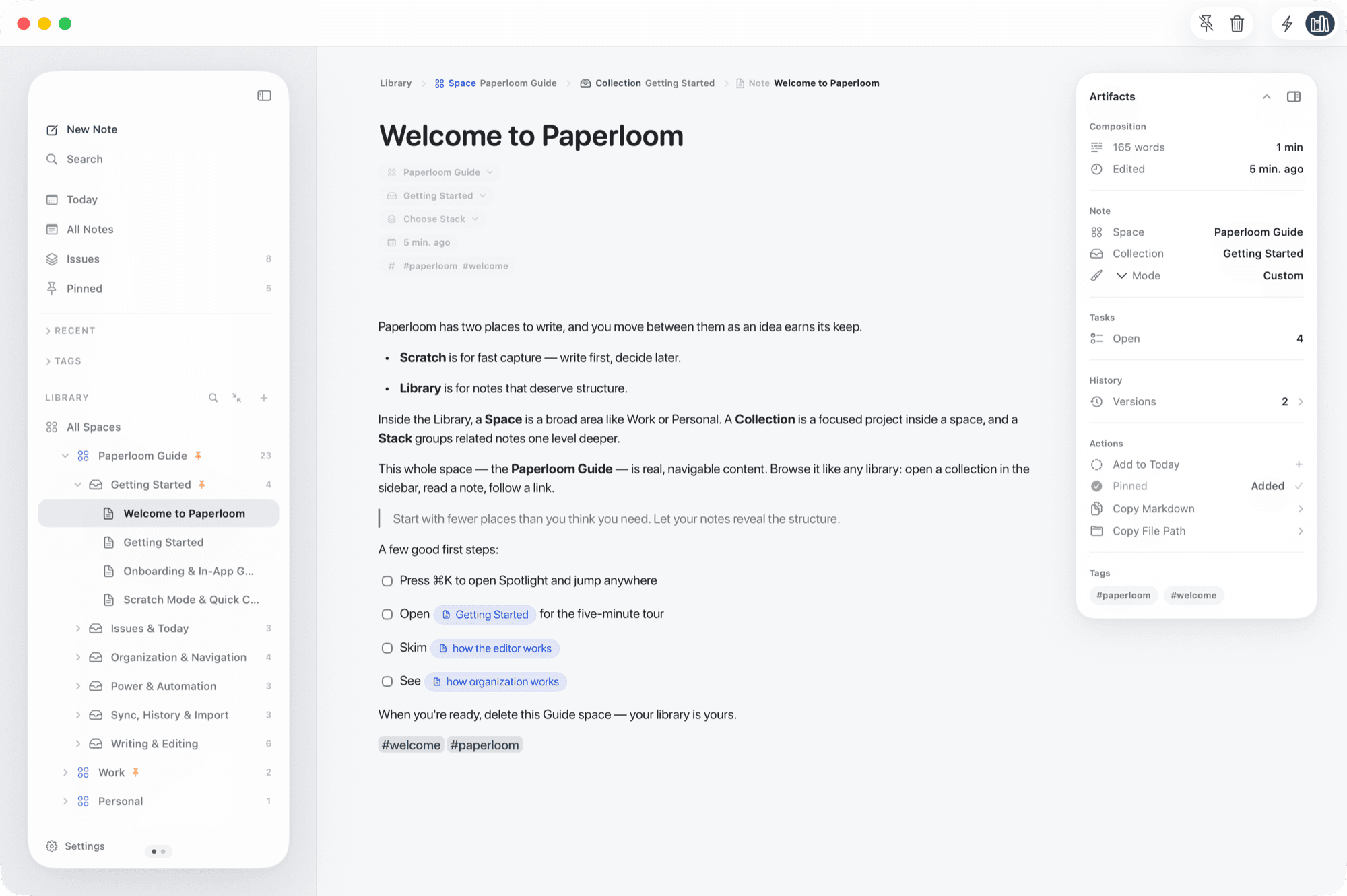
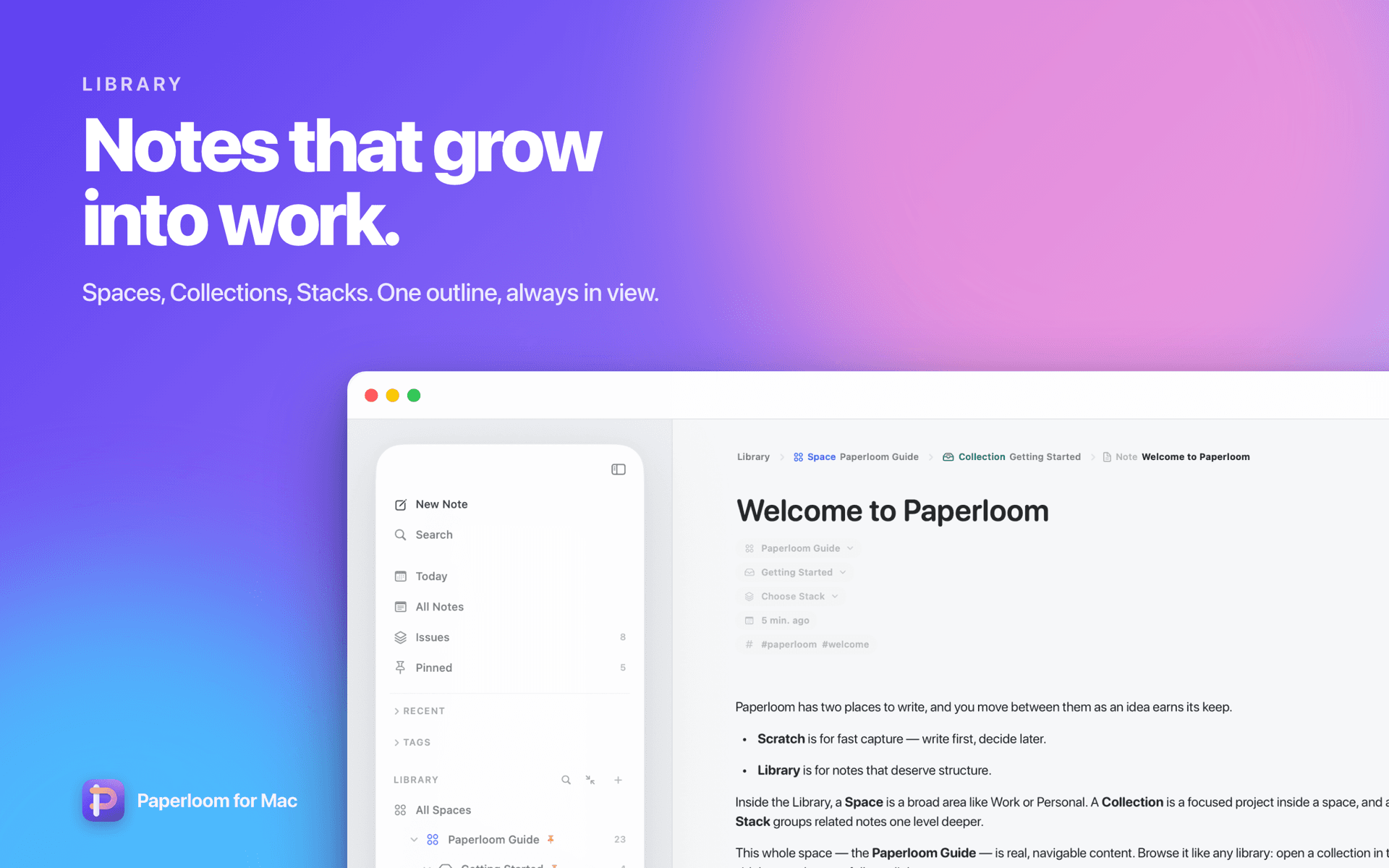
Library, Spotlight, Issues, Scratch, the editor and themes — the same frames you will see on the Mac App Store.
One calm system
Scratch protects your focus. Spaces, Collections and Stacks let structure appear only when the work needs it. Issues keep the doing next to the thinking.
Keep the launch page at $2.99/month with a 7-day trial. Confirm the annual plan after the next design review.
Editor
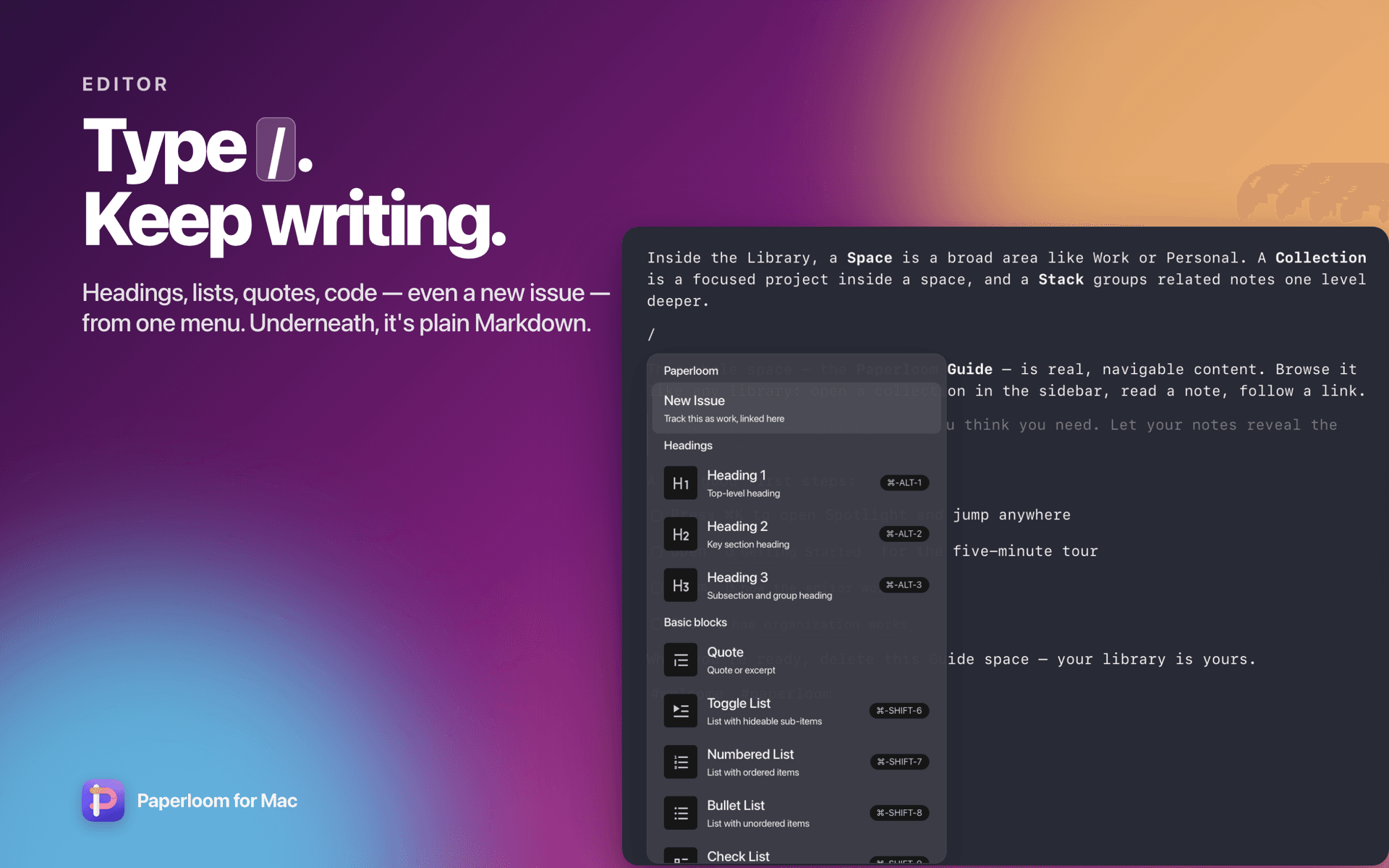
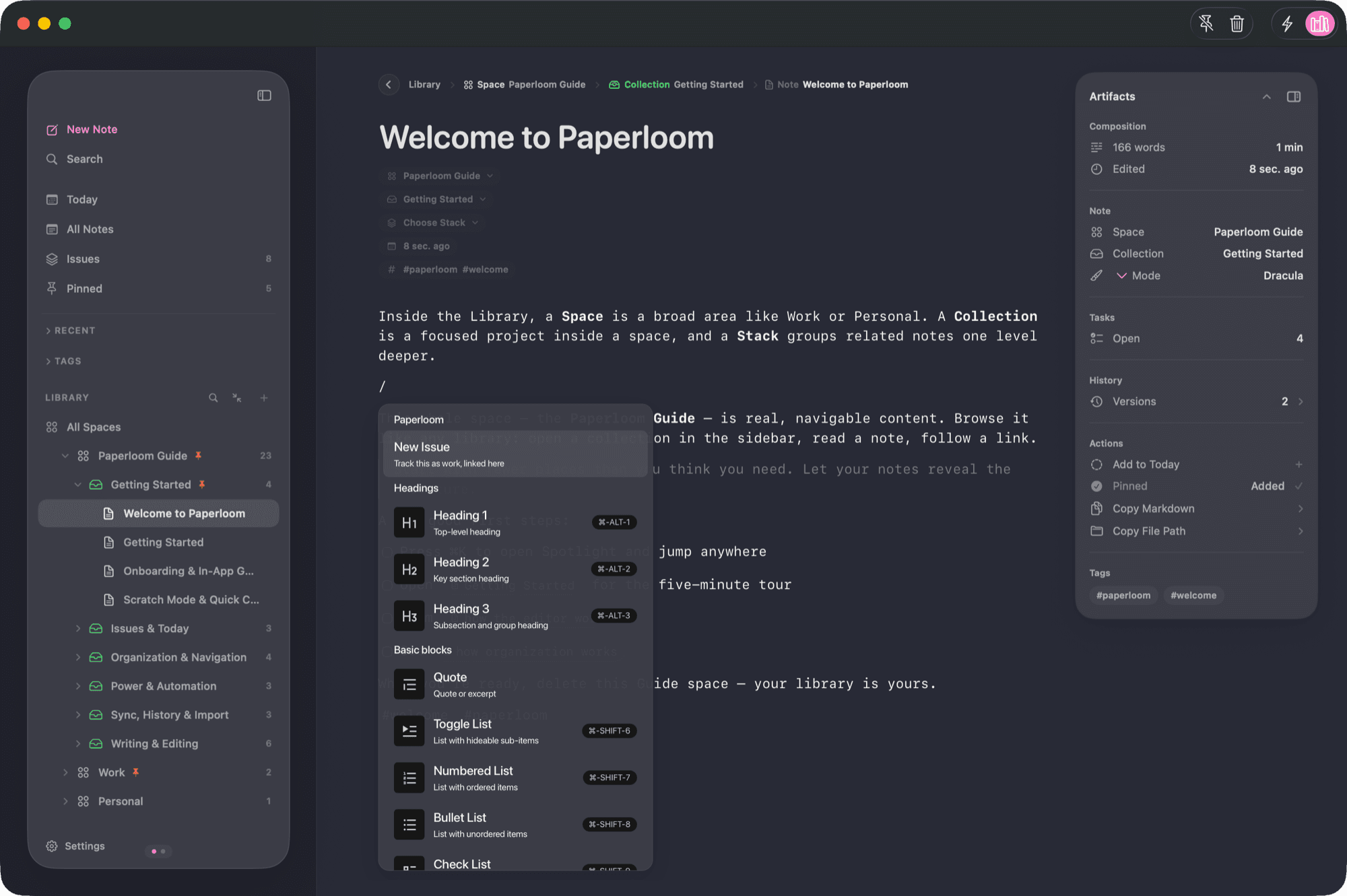
Headings, lists, quotes, code, charts and diagrams — even a new issue — from one menu. Markdown styles itself as you type, and the file underneath stays plain, portable .md.
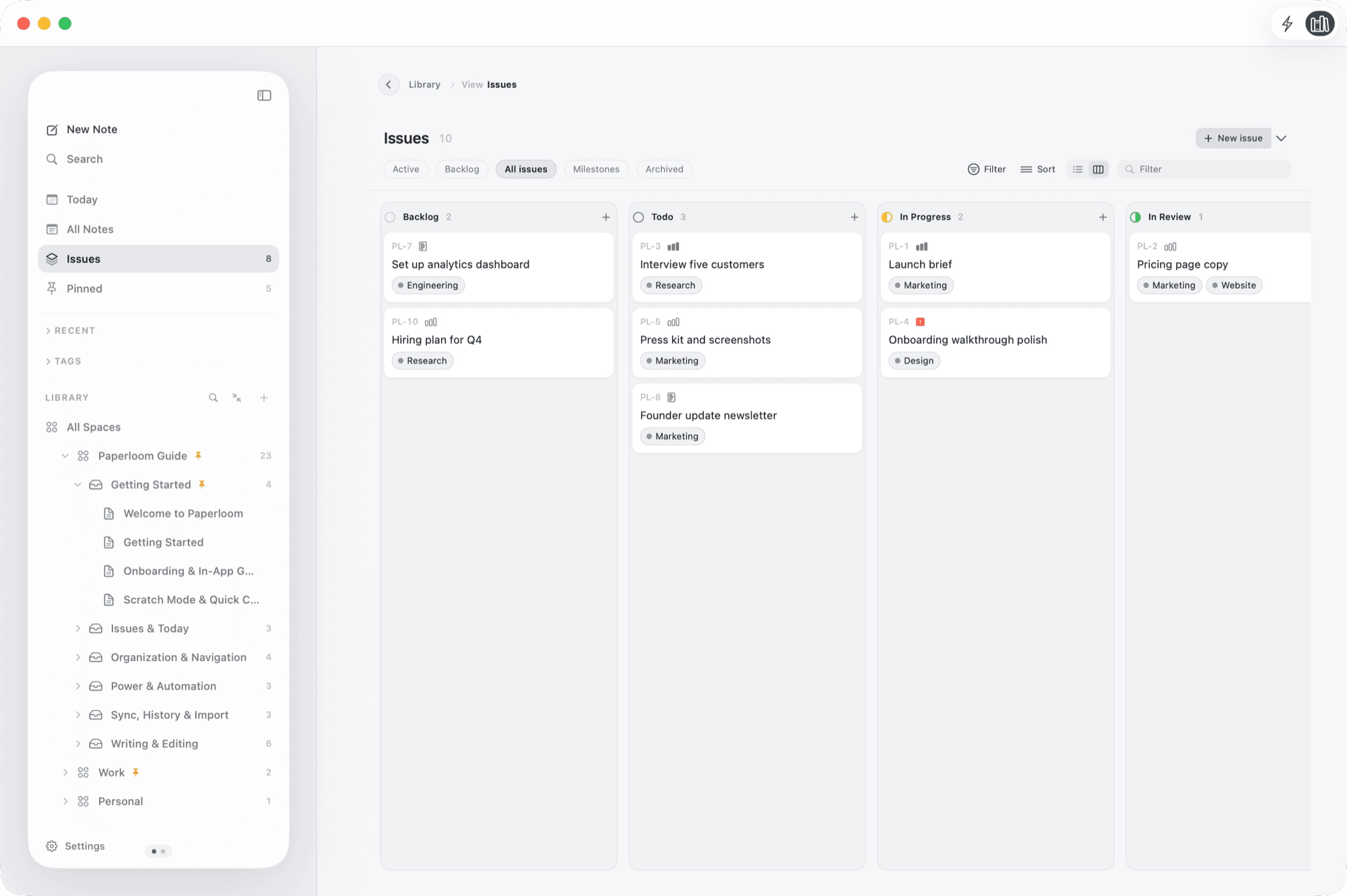
Issues
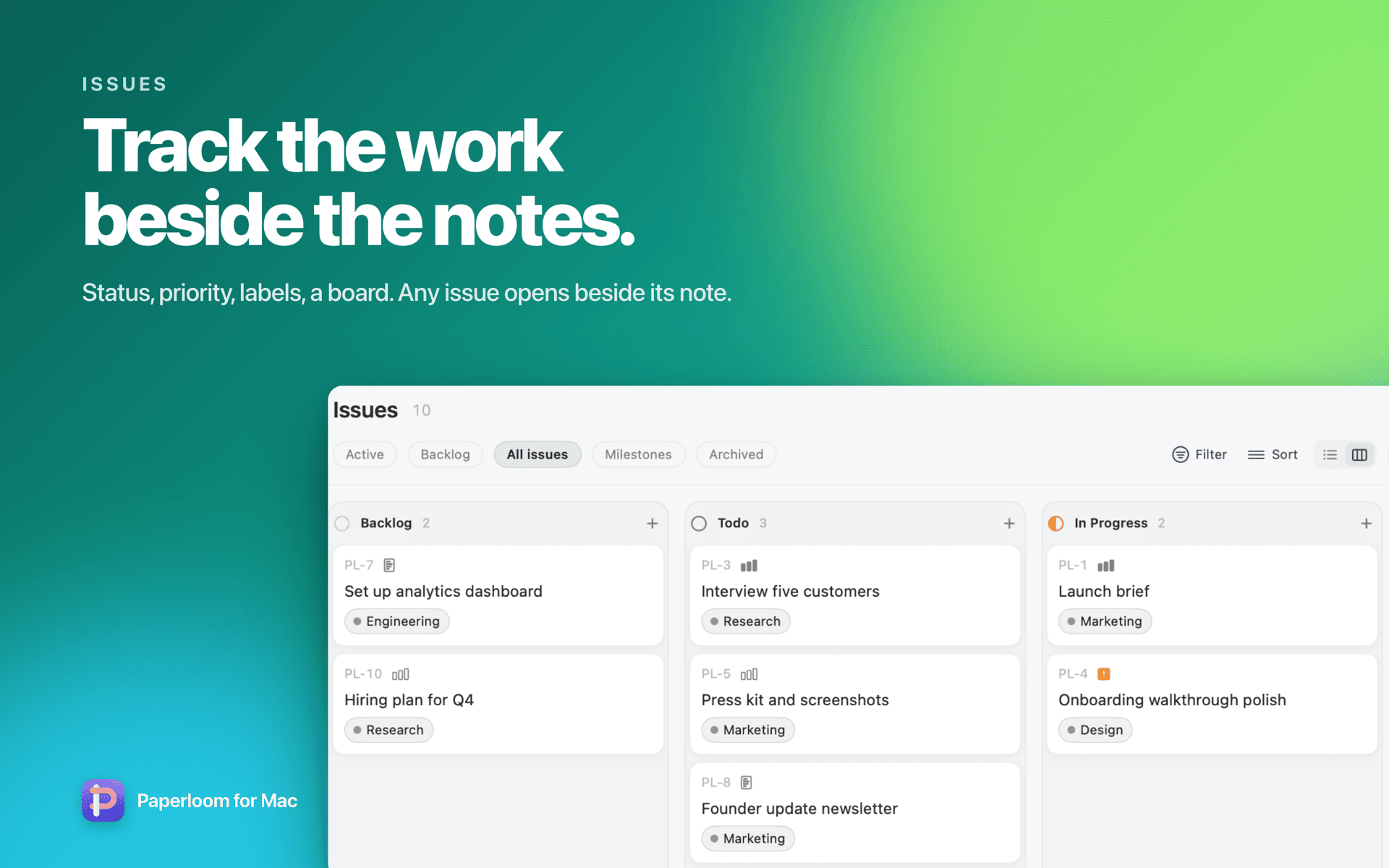
Real tracked work, not just checkboxes: status, priority, labels, due dates, sub-issues with progress, blocks and blocked-by, milestones. Work from a list or a board. Create an issue from the line you are writing and it stays linked to that note.
Spotlight
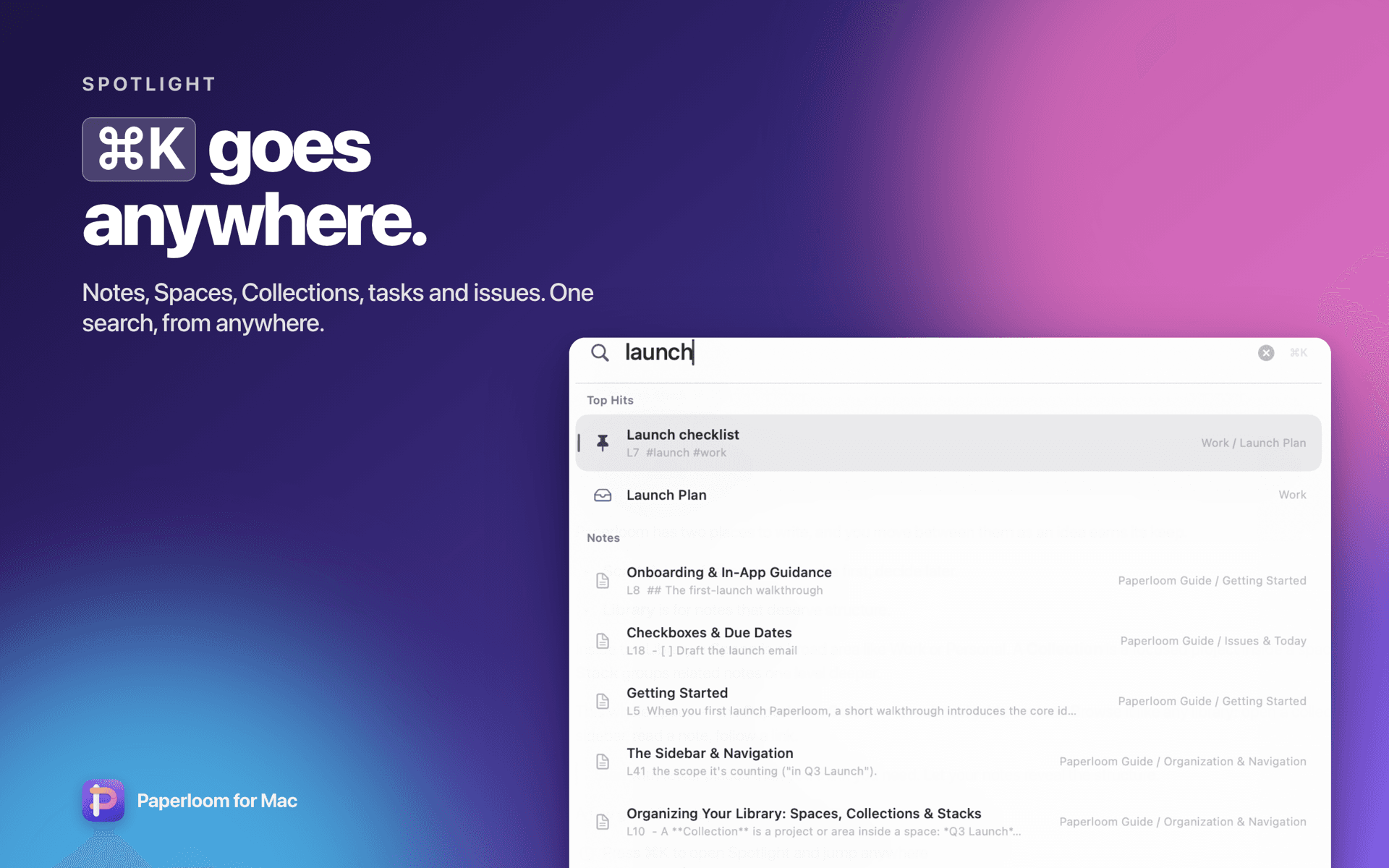
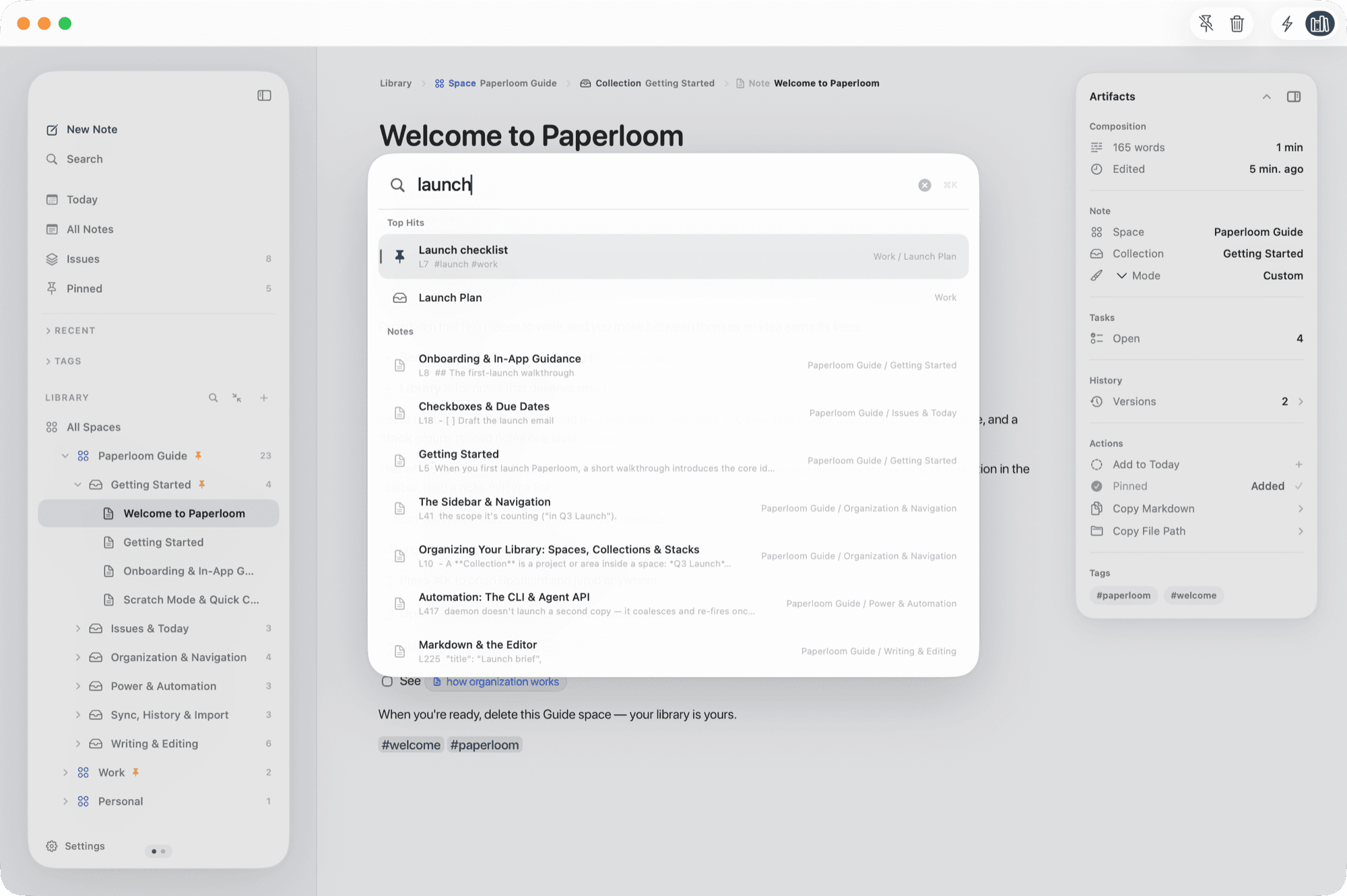
One keystroke searches notes, Spaces, Collections, Stacks, tasks and issues, ranked by title, tags, body, recency and pins. Type a few letters, press Return.
Library
Start broad with a Space. Add Collections for real projects. Use Stacks only when a Collection starts to branch. Keep a note loose until it earns a place, then promote it — nothing is forced.
Quick Scratch
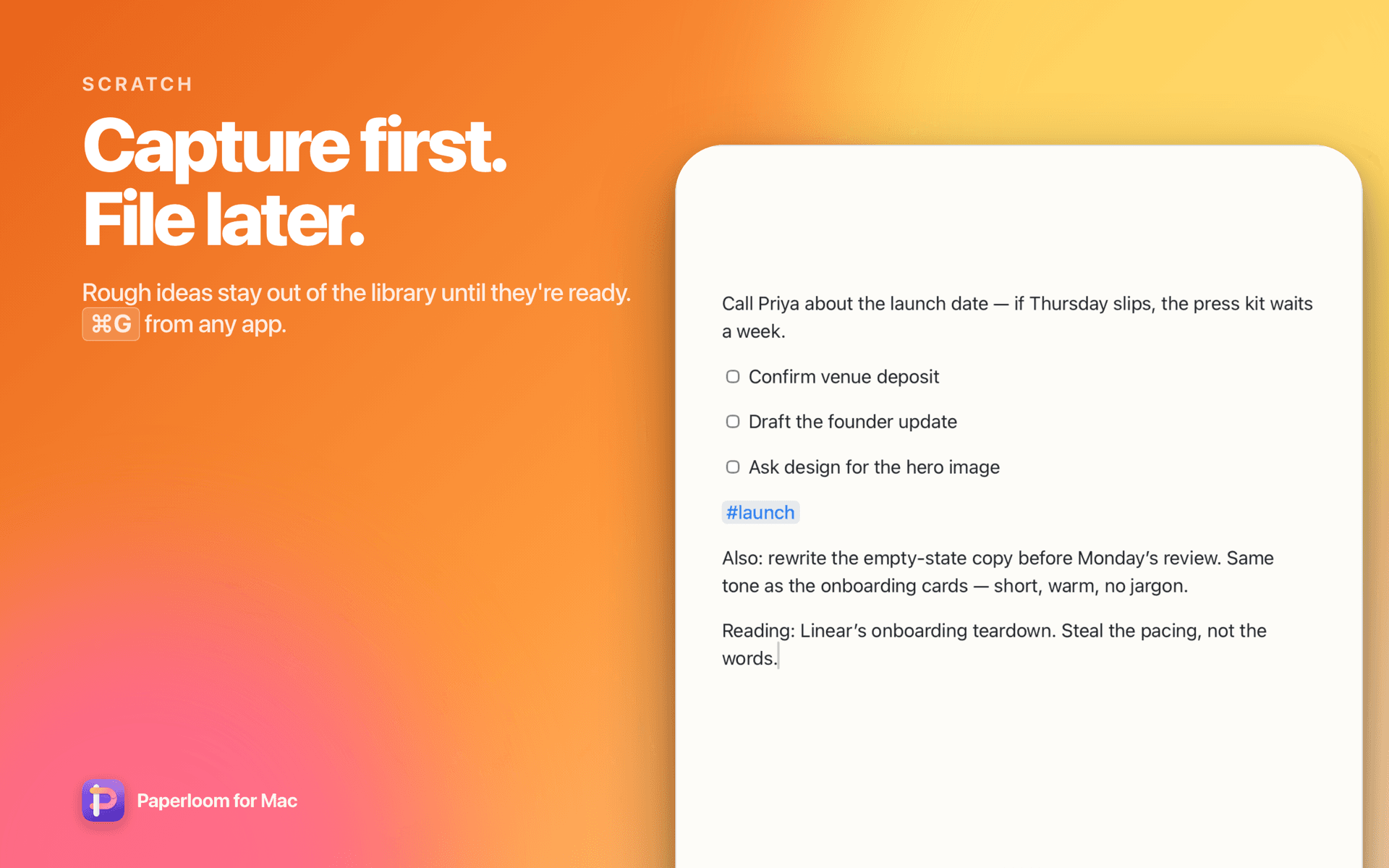
Press ⌘G in Safari, Mail, Slack, or any other app. A small Scratch panel appears, the thought lands in your Inbox, and you return to work. The good ones get promoted into the library.
Review the pricing section before tomorrow's App Store update.
Today
Focused notes, tasks and issues due today, recent work, and a map of where your attention went. Today's meetings sit in the sidebar with a nudge before each one, and the notes you take during a meeting stay attached to it.
Themes
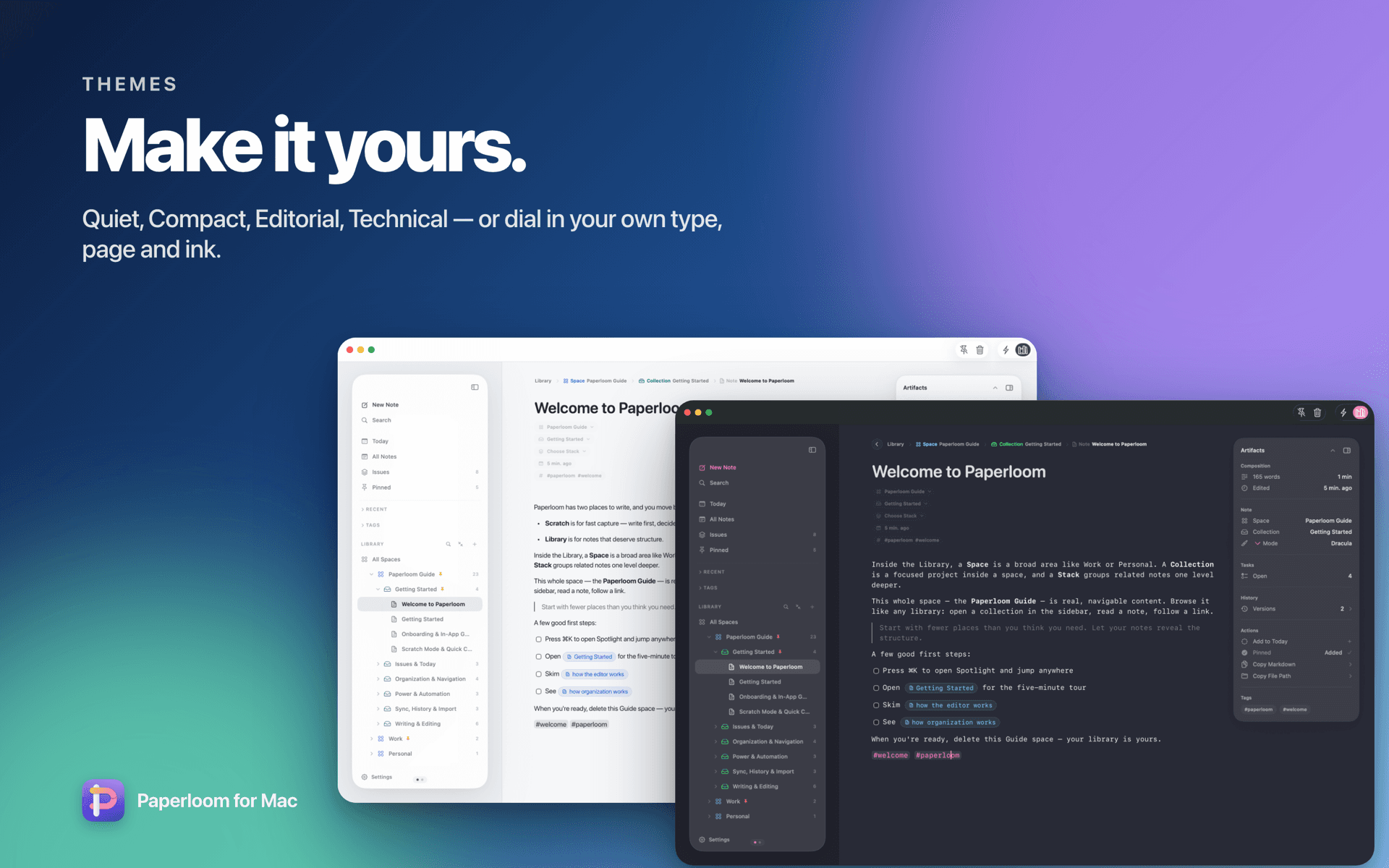
Quiet, Compact, Editorial, Technical — plus Catppuccin, Dracula, Solarized and Nord — and every dial: typeface, size, line height, column width, paper and ink, with a live preview. Save your own.
Private intelligence
Smart Autocomplete finishes your sentence as ghost text; press Tab to accept. It runs on a language model inside your Mac, uses your own library as context, and never sends a word anywhere.
The free trial should make the first week feel calm because users can build their first Space before deciding what belongs in the library.
Claude and Codex
A local command-line tool and MCP server let a trusted assistant search, read bounded ranges, and edit with exact replacements that fail closed — never blind overwrites. Every change is signed and kept in version history.
Plans, issues, and decisions become searchable artifacts instead of context-window guesses.
And the rest
Focused notes, tasks and issues due today, recent work, and a map of where your attention went.
Today's meetings sit in the sidebar with a nudge before each one; notes you take during a meeting stay attached to it.Play, pause and skip, see the cover and what you played recently, without leaving your note.
Music gets a page of its own in the sidebar, one swipe away.Every note keeps checkpoints as you edit, with line-by-line diffs you can inspect later.
Look back at how a note changed without ever thinking about saving.Notes, organization, tasks and Today focus follow you between Macs through your own iCloud database.
Never through Paperloom servers. Off by default.Markdown folders, Obsidian, Apple Notes, Notion, Evernote, Bear, Google Keep, Joplin, Standard Notes, Simplenote and Roam.
Folders become Spaces and Collections; tags, dates and images come along.Every core action has a shortcut, and every shortcut is yours to change in Settings.
⌘K to jump anywhere, ⌘G to capture from anywhere, / for any block.
Paperloom is on the Mac App Store. $2.99/month after a 7-day free trial. No account required; notes stay local Markdown with optional private iCloud sync.
Download Paperloom